Is your voice still there?
Read a short text out loud, about fifteen seconds, and you’re done. Record the phrases that matter too: they will play back exactly as you said them, years from now.
Record your voice while it’s still there, or recover it from 15 to 20 seconds of an old message. The day speaking gets hard, type a sentence, by touch or with your eyes, and the iPad says it in your voice.
ALS (motor neurone disease) or another condition that affects speech: the app speaks to you, about your voice. Someone close to you can install and set up everything, with no technical knowledge.
Read a short text out loud, about fifteen seconds, and you’re done. Record the phrases that matter too: they will play back exactly as you said them, years from now.
A recording of 15 to 20 seconds is enough: a voice message, a family video. You pick the passage where you can be heard clearly, the app does the rest.
A Voice Memos recording or a WhatsApp message must first be shared to the Files app.
Today
A short text read out loud, about fifteen seconds. Or a 15 to 20 second recording you already have. The app transcribes it on the iPad and you check it.
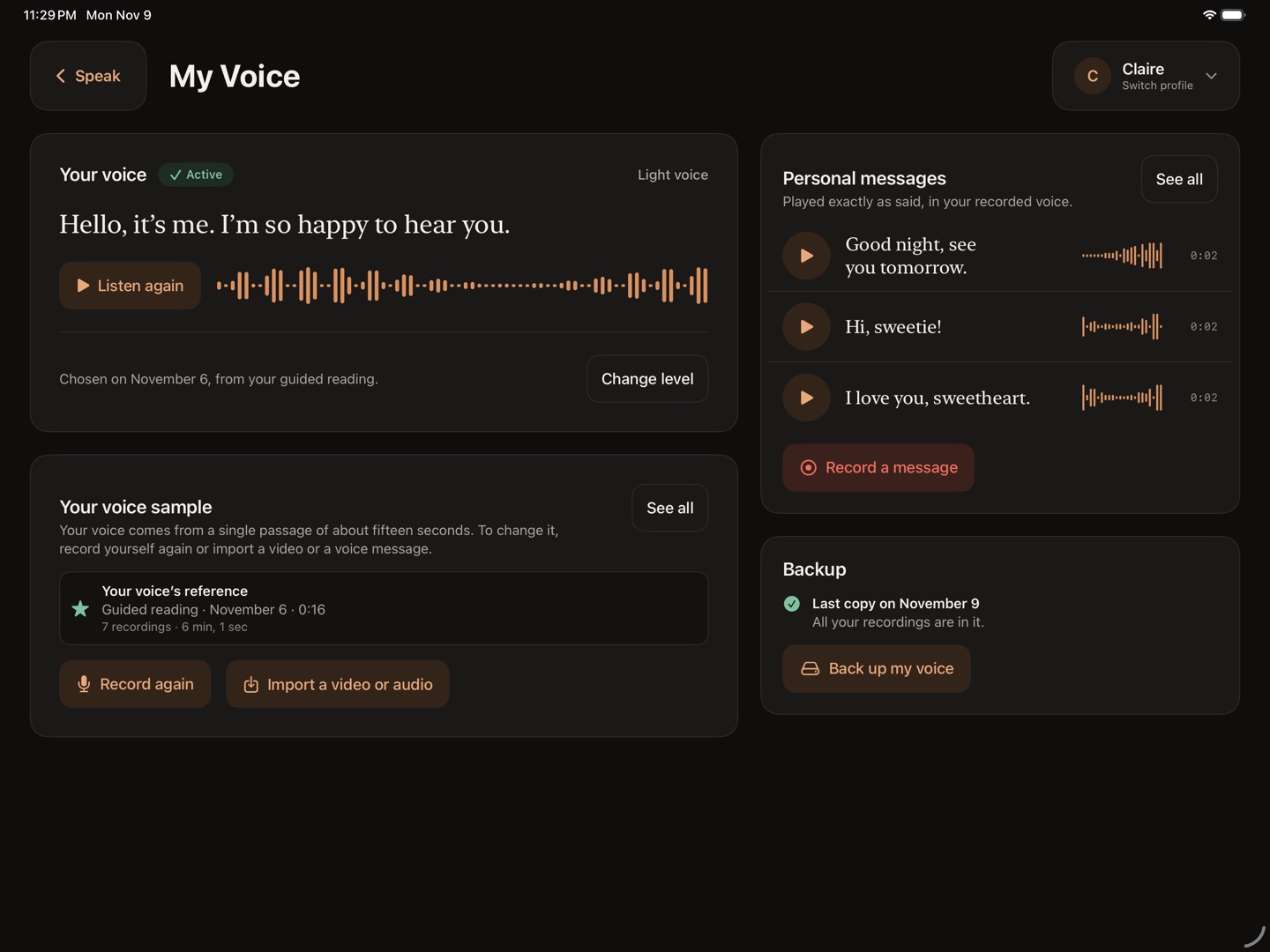
A few minutes later
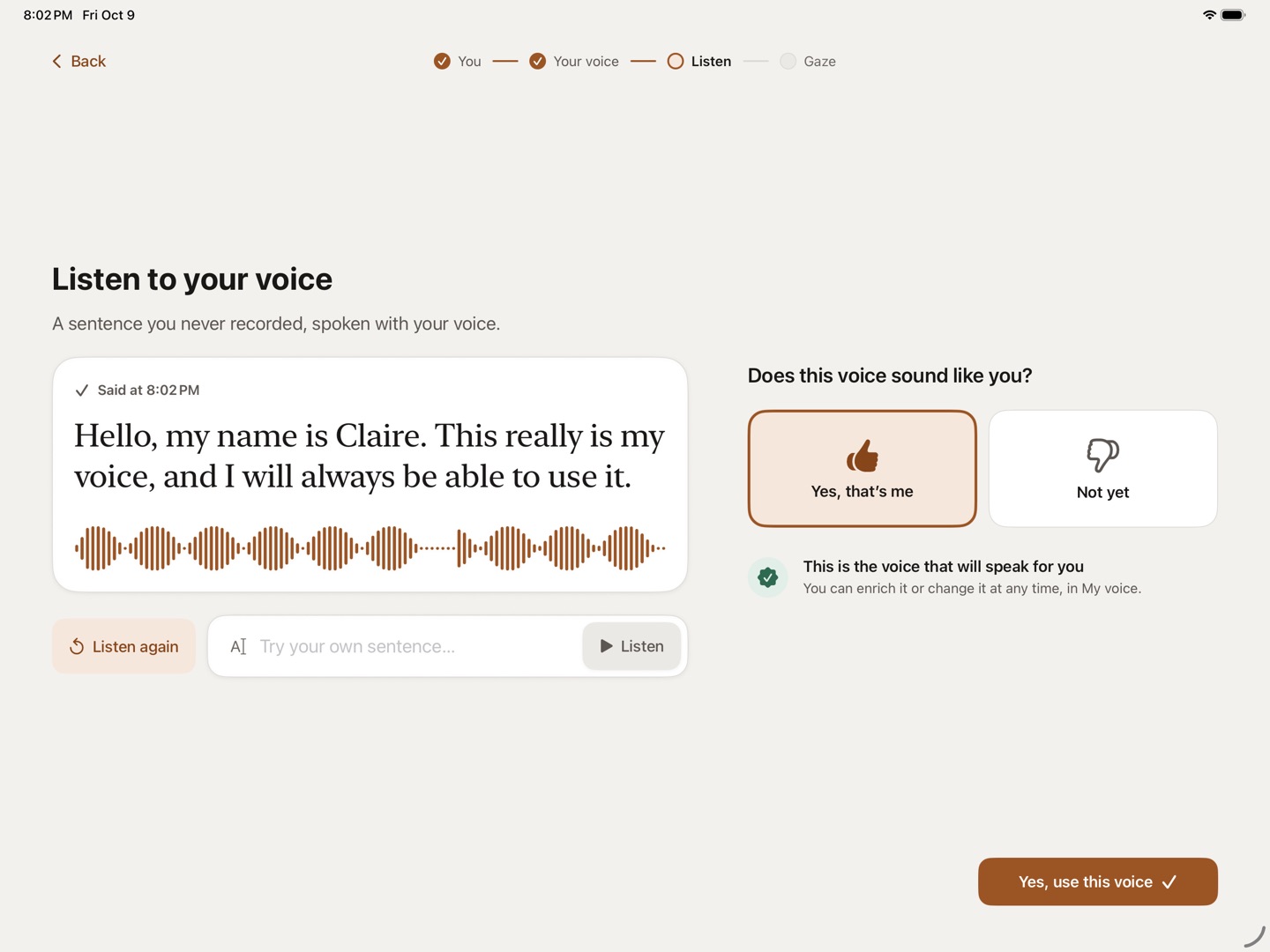
The app plays you a sentence you have never said, with your first name in it. You decide whether that voice is yours. If not, you try again.
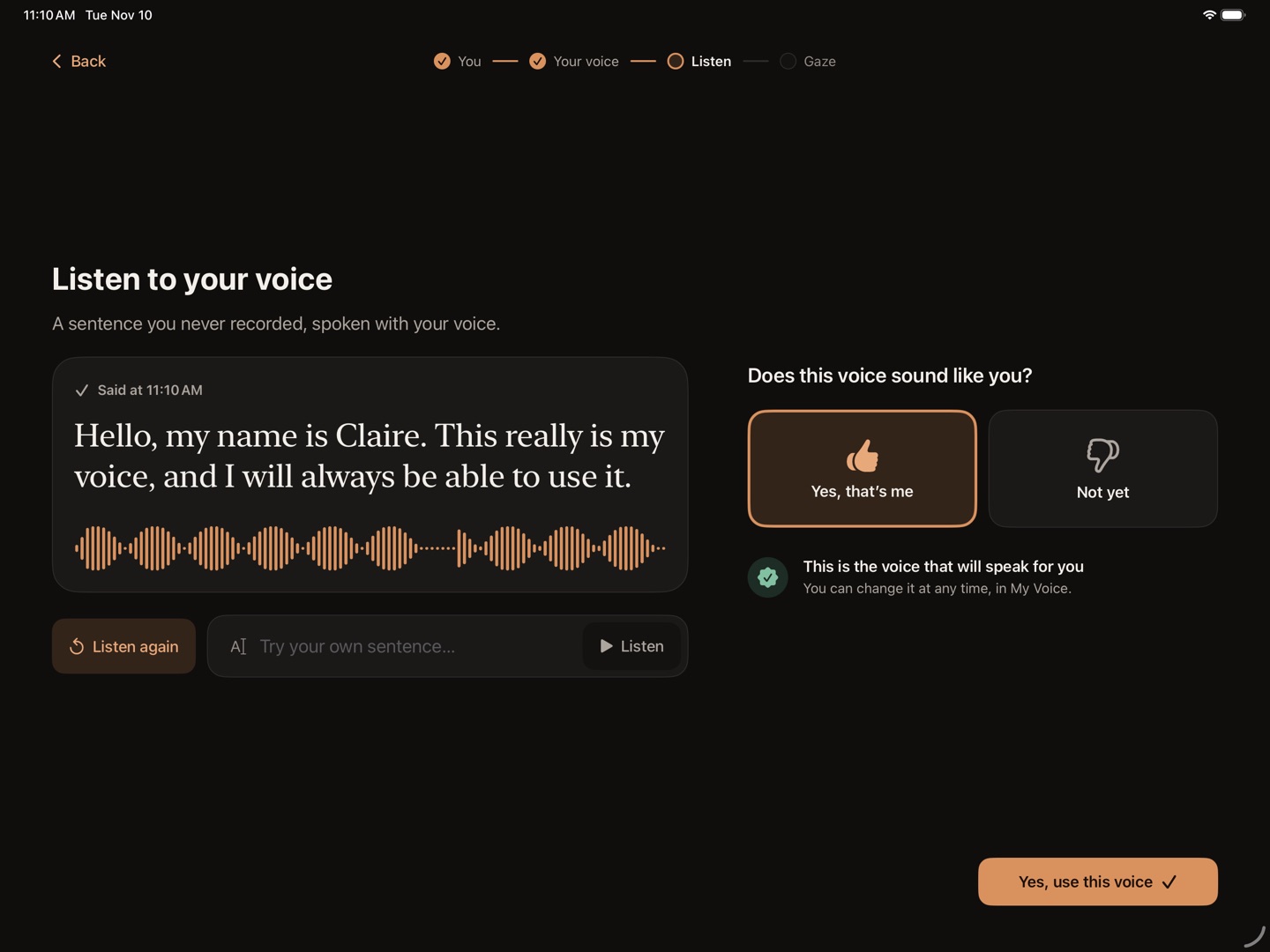
Every day
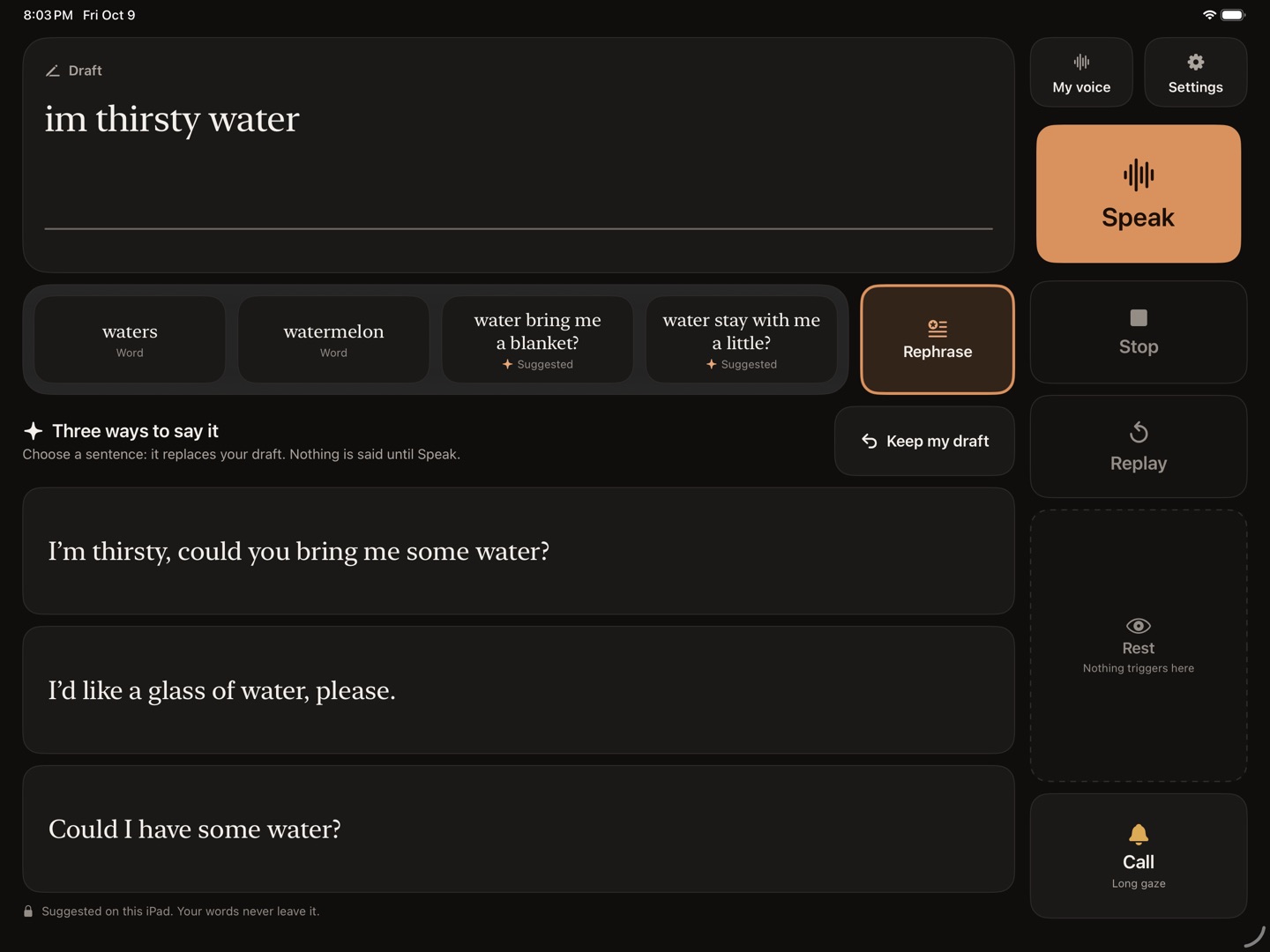
You type, or pick a ready-made phrase. On iPads that support Apple Intelligence, the app offers three ways to say it. The iPad speaks in your voice, and starts while the rest is still being prepared.
The iPad’s front camera follows your gaze, with no extra hardware. With the iPad in landscape, setup takes two minutes.
This feature is in beta: it can still make mistakes.
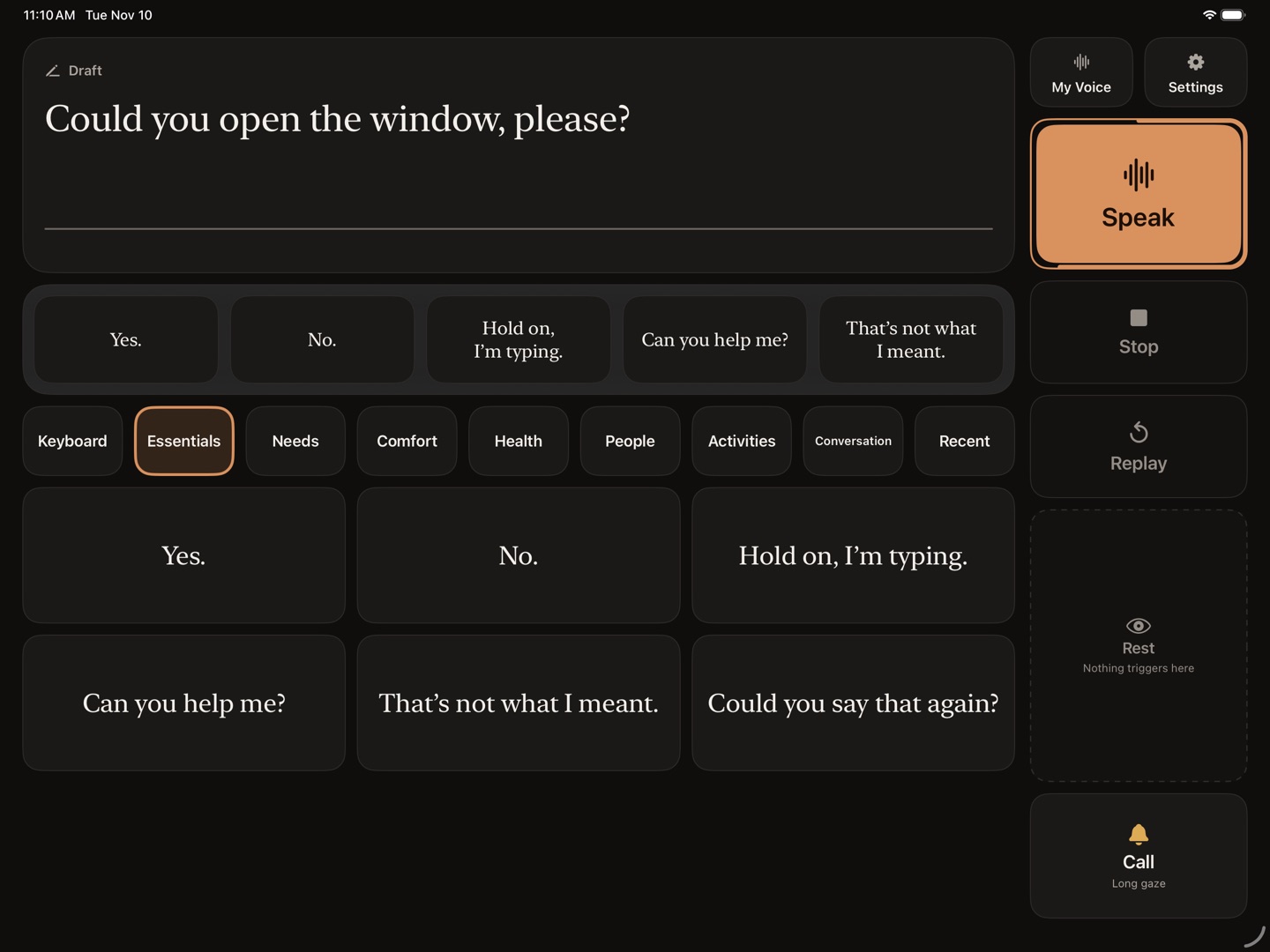
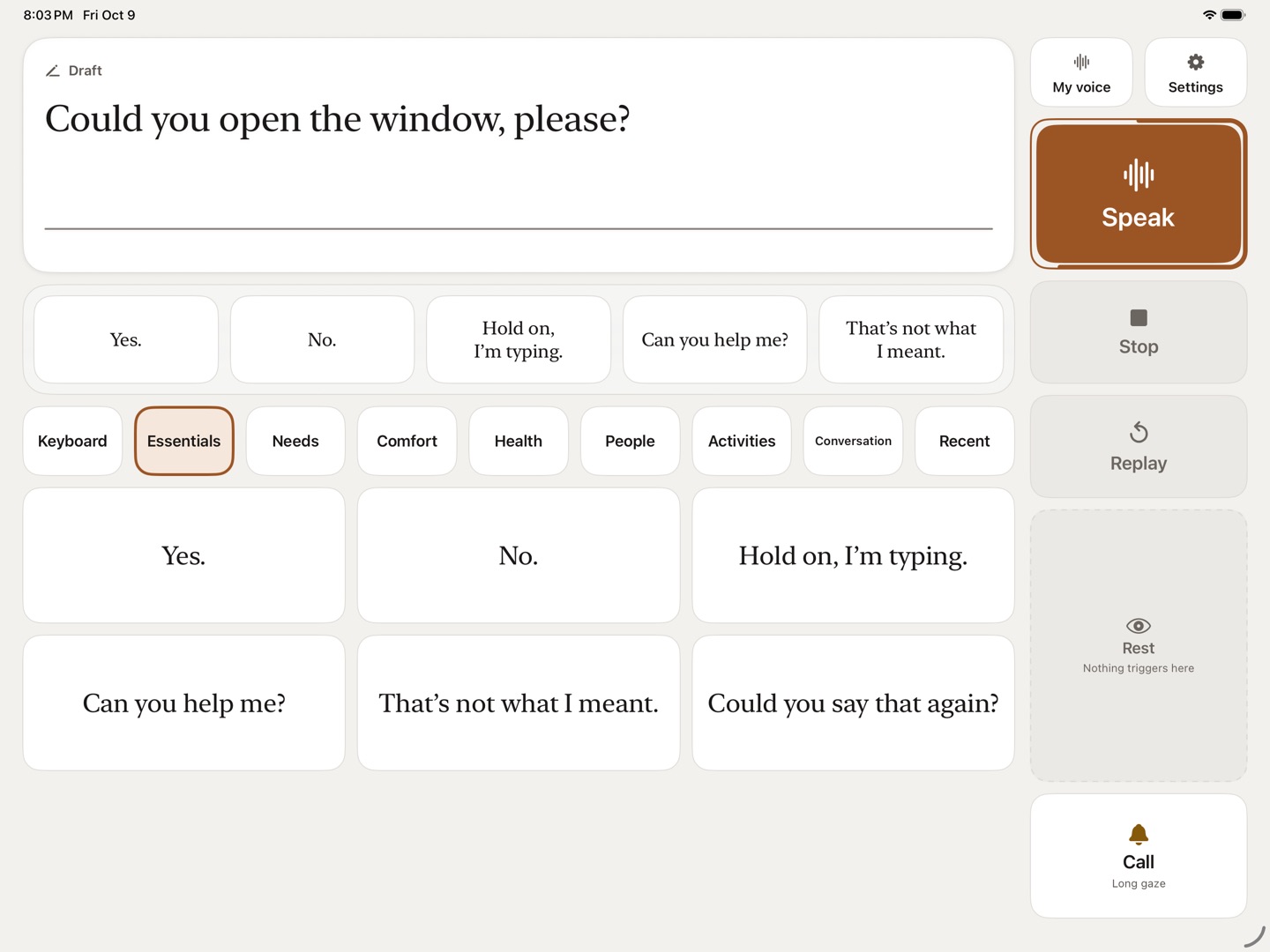
Try it. Keep the pointer on a phrase, like a gaze.Keep your finger on a phrase, like a gaze.
Sample voice. In the app, it’s your own that speaks.
Record the phrases that matter, in your real voice. They play back in Speak exactly as you said them, years from now.
An always-visible target rings the iPad, loudly, to bring someone over. It is not an emergency call and does not replace a medical alert device.
Export a full copy of your voice, to import it again or to listen to it without the app.
Installing, adjusting, changing the voice: someone close to you can do it all, with no technical knowledge, and the app explains every step.
The iPad itself makes the voice. No account, no server, no subscription, no ads.
On your iPad
A technical report only leaves if you send it yourself.
Every answer is on the Support page.
Not necessarily. A recording of 15 to 20 seconds is enough: a voice message, a family video. A clear voice, with no music or background noise, works best.
About fifteen seconds: a short text read out loud, and the app guides you. You can change it at any time, and record the phrases that matter separately.
Only once, to download the voice (about 2 GB) and transcription (0.9 GB). Wi-Fi is recommended. After that, VoiceForever works offline.
No. It is a tool for communicating and for preserving a voice. It does not replace medical advice or an alert system.
VoiceForever is coming soon to the App Store, for free. A question, a particular need? Write to us: every message is read by a person.
Write to us